
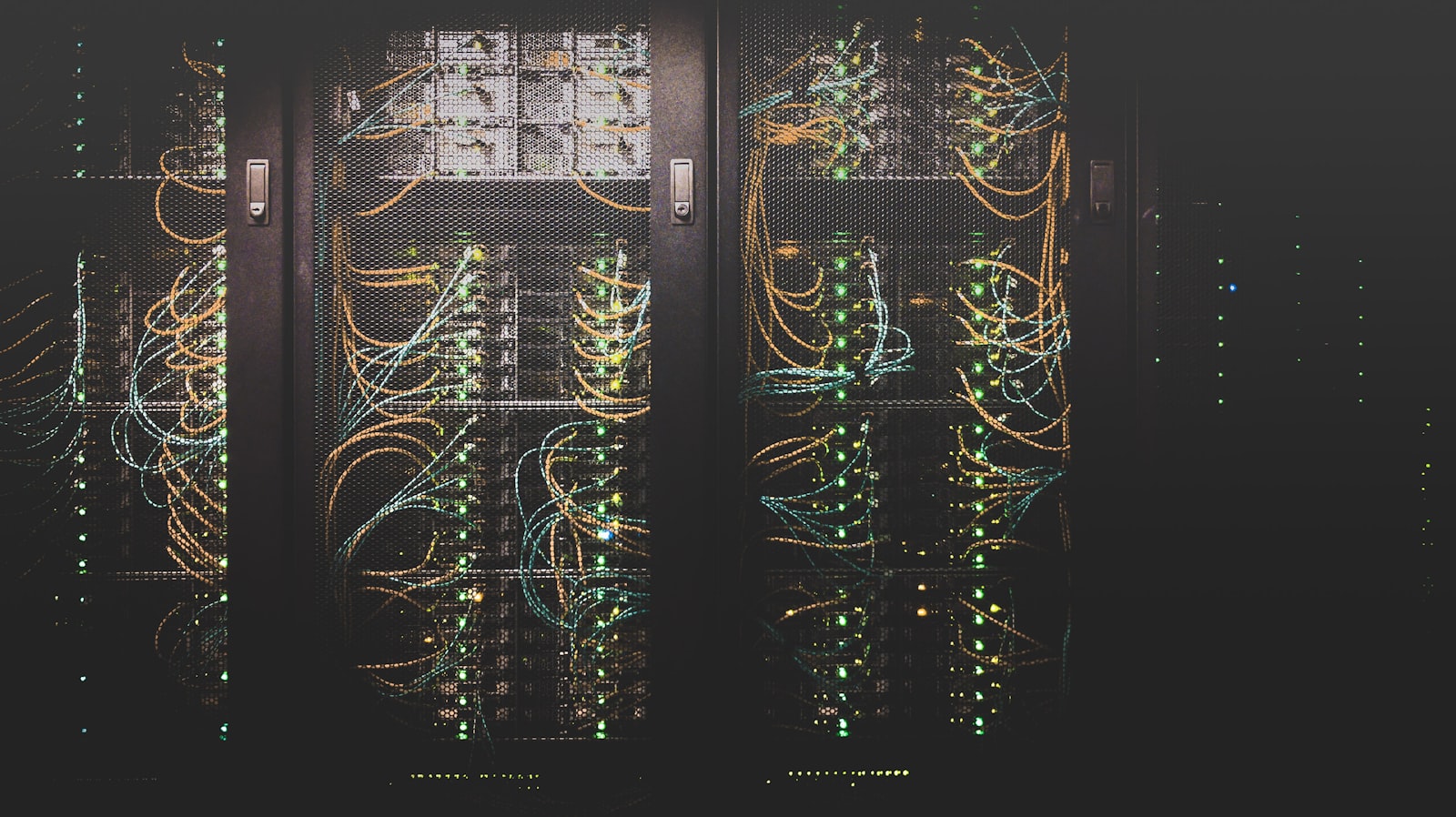
The server has been running for seven years. Nobody is complaining. Your IT provider says it's still working.
So why spend money replacing it?
Because “still working” and “still viable” are different questions. What matters is whether the business can recover when the system fails, whether the platform can still be secured and supported, and whether the cost of keeping it has quietly overtaken the cost of changing it.
An ageing server isn't automatically a liability — some systems stay dependable well past their original refresh cycle. Others turn into business risk while every dashboard shows green. The difference between the two is visibility, and most organisations don't have it.
A working server is not a supported server
Infrastructure can keep running long after the manufacturer or software vendor stops supporting it. That gap — between what a system can do and what a business can reasonably depend on — is where risk builds up quietly.
Microsoft has confirmed that extended support for Windows Server 2016 ends on 12 January 2027. Organisations still running it should be assessing migration paths now, not treating the deadline as the day to start planning.
Software support is only one variable. A proper review also covers hardware warranty and parts availability, hypervisor support, storage health, application compatibility, and — the one most often skipped — whether anyone still on staff actually knows how to bring the environment back if it goes down.
A server can pass every daily health check and still carry an unacceptable recovery risk.

Five signs your infrastructure needs a closer look
1. Nobody can clearly explain what depends on it
An old server usually hosts more than its name suggests — an application, authentication, a file share, a database, or a service another system quietly relies on. Without a dependency map, even a straightforward hardware swap can turn into a migration mid-project.
Before you talk about new hardware, establish what's actually running on it, who uses it, what depends on it, and what breaks if it disappears.
2. Backups run, but recovery has never been tested
A successful backup notification confirms a job ran. It doesn't confirm the business can resume operations within an acceptable window. Recovery planning has to weigh tolerable data loss, acceptable downtime, and whether the infrastructure needed to restore service will actually be there when it's needed — the framing NIST's contingency-planning guidance builds its recovery objectives around.
The more useful question isn't “do we have backups?” It's: when did we last restore the critical workload, and how long did it actually take?
3. Support and renewal dates are scattered across vendors
The server sits with one supplier, storage with another, the hypervisor with a third, the business application with a fourth. When something fails, fragmented ownership turns a technical incident into an escalation problem — every vendor owns a slice, nobody owns the recovery.
A current asset register, vendor register, and renewal calendar make these dependencies visible before an incident forces the issue.
4. The environment has no room to change safely
Some infrastructure is only stable because nobody touches it — no spare capacity to shift workloads during maintenance, no tested rollback, no spare hardware if an upgrade fails. In that state, even routine patching becomes a business risk decision rather than a Tuesday afternoon task.
Modernisation conversations should include maintenance flexibility and recoverability, not just processor speed and storage capacity.
5. The cost of keeping it is no longer understood
The price of replacement hardware is visible. The cost of retaining an ageing platform usually isn't — extended support contracts, specialist maintenance, growing backup requirements, compatibility work, licensing changes, incident exposure, and staff time spent babysitting the environment.
That doesn't mean replacement always wins. It means the comparison should include the full cost and risk of every option on the table — not just the one with a quotation attached.

Modernisation doesn't always mean buying new servers
Businesses generally have five paths open to them, and the right one depends on the workload, not a blanket policy.
| Option | When it may make sense | What must be checked |
|---|---|---|
| Maintain | The platform is still supported, reliable and fit for purpose. | Recovery tests, support coverage, capacity, lifecycle dates. |
| Extend | A short-term extension bridges a planned transition. | Parts availability, security exposure, extension cost, a firm exit plan. |
| Upgrade or migrate | The application still earns its keep, but its OS or platform is ageing. | Compatibility, dependencies, licensing, rollback. |
| Consolidate or redesign | Workloads are fragmented or the architecture has grown unnecessarily complex. | Performance, resilience, migration effort, operational ownership. |
| Retire | The workload is unused or duplicates another service. | Data retention, integrations, access, decommissioning evidence. |
A good assessment can conclude the business should spend less, not more. Retiring unused workloads, removing duplicate systems, or fixing backup design can be worth more than replacing everything.
The assessment comes before the quotation
A hardware quotation answers what a new server costs. It doesn't answer what the business needs. Before committing to a refresh, an infrastructure assessment should produce five things:
- A verified inventory of servers, storage, VMs, operating systems, and critical applications.
- A dependency map showing which business services rely on which infrastructure.
- A support and renewal view across hardware, software, licensing, and vendors.
- A recovery assessment built on backup evidence and tested, timed restores.
- A prioritised plan: what to maintain, remediate, migrate, replace, or retire.
That gives management a defensible basis for approving investment, and gives the technical team a safer path to execution.
What should happen next
If your infrastructure is ageing, the first move doesn't have to be a purchase order. Start by establishing what you have, what it supports, what could fail, and how quickly the business could actually recover.
At AGR Networks, our infrastructure-first approach connects that assessment to the practical work that follows: lifecycle planning, vendor coordination, security, migration, and ongoing technology oversight.
Before replacing your servers, find out whether you need a refresh, a migration, or simply a better way to manage the infrastructure you already own.
Frequently asked questions

AGR Networks & Solutions
Singapore-based IT systems integrator serving hospitality, finance, manufacturing, and enterprise. Certified partner for Fortinet, Cisco Meraki, Palo Alto, Aruba, HPE, and more.
About AGR Networks →